Blog

4 Ways Control4 Can Bolster Home Security While You’re Away

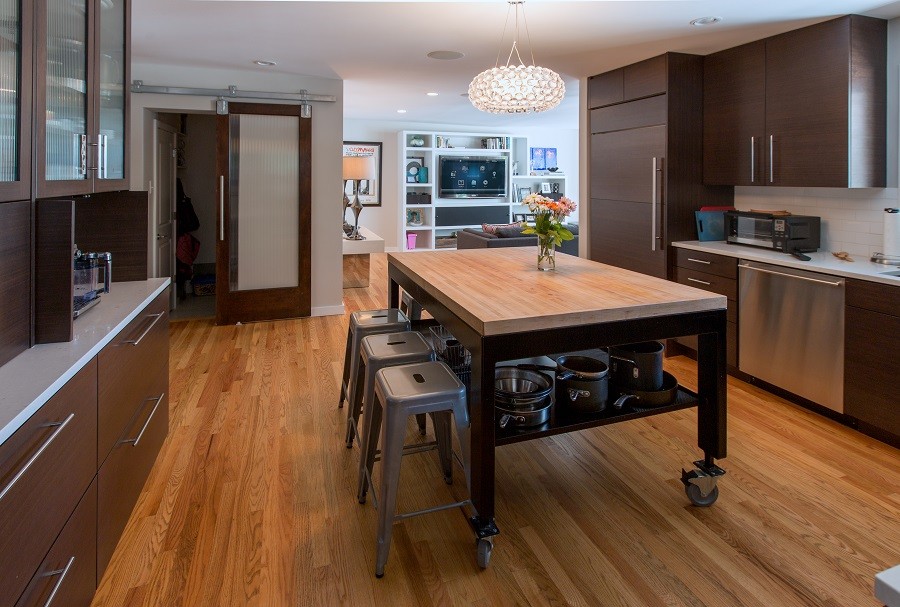
AVIDIA_June_Blog1_Control4Company_NorthbrookIL_Photo

SEE ALSO: Avidia Is Now a Distinguished Control4 Pinnacle Status Dealer


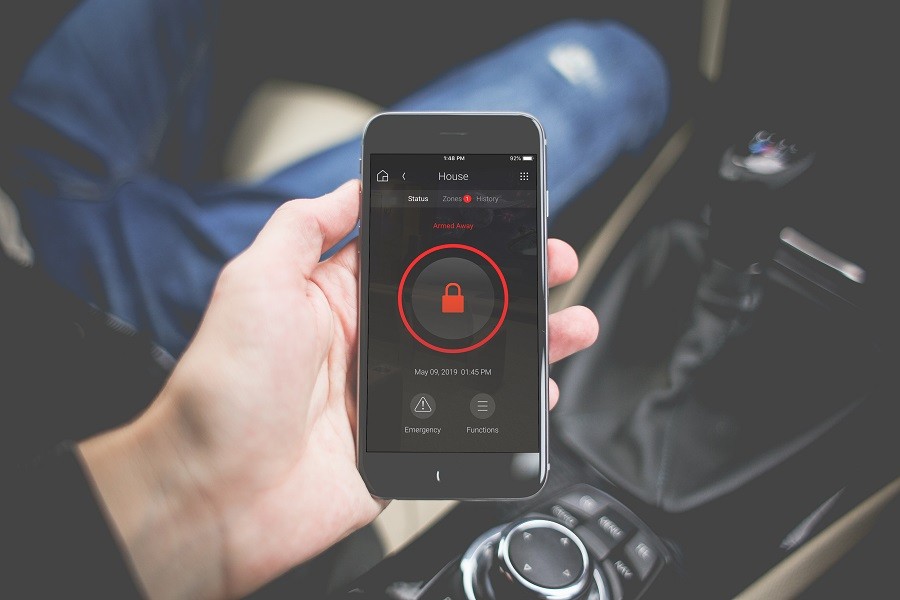
Receive Real-Time Alerts & Notifications

When you’re on vacation, you likely want to avoid checking your smartphone all the time unless it’s an emergency. To reduce how often you check surveillance footage or the status of other smart home devices, set up personalized alerts and notifications that ping you when an event occurs.

Did the pet sitter enter the front door? Was the garage door left ajar? Perhaps there’s a small water leak in the guest bathroom, or maybe someone broke a window. Whether you want alerts for significant events or simple status updates, your Control4 system will let you know right away.
 

Continue reading
  2441 Hits

What Are the Benefits of Smart Home Control Apps?

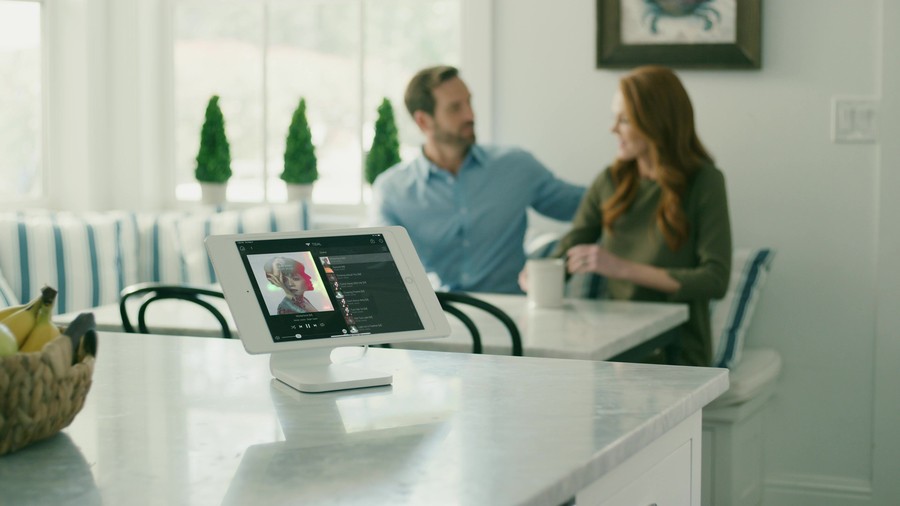
What-Are-the-Benefits-of-Smart-Home-Control-Apps_c3249574420f778693cfe78a83c791b6

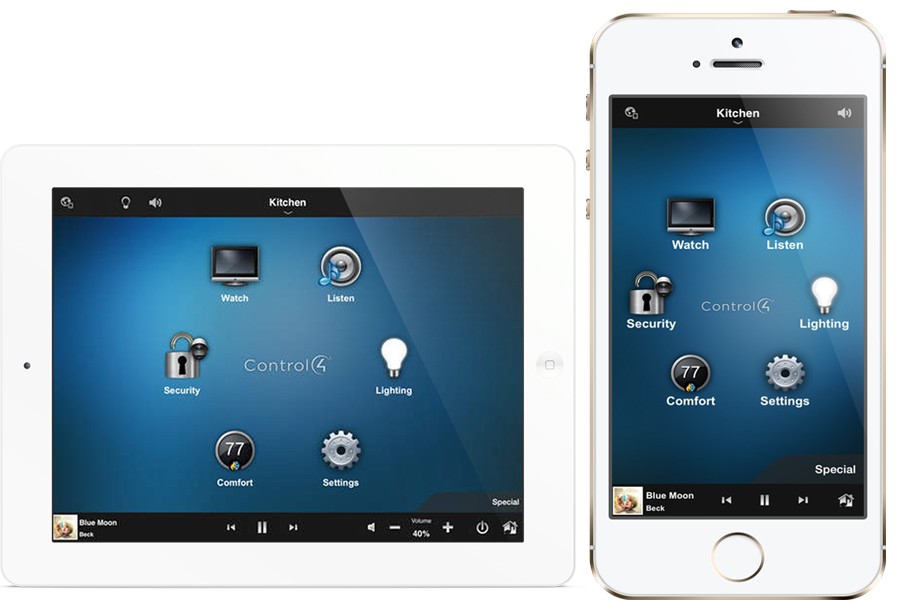
By now you’ve probably seen advertisements for a variety of home electronics that you can control from a mobile app. There’s one for your thermostat, one for your locks and one for your entertainment. But what if you could bring it all together under one umbrella, practically turning your IPhone or Android into your personal butler. You can do just that with a smart home automation solution in your Highland Park, Illinois property. Below we take a look at some of the best features from the Crestron and Control 4 Apps.

SEE MORE: 3 Reasons to Upgrade to a Smart Home

Four Main Features of the Crestron App

In conjunction with your smart home automation system, Crestron offers a free mobile app that lets you control your lighting, security, entertainment, climate and more. Some other features are also available as in-app purchases.

• Integrate Third Party Apps: Want to settle in for an all-day Netflix marathon? You don't have to navigate through multiple apps just to pick out the show you want and get the lighting just right. Crestron lets you open third party apps within your graphic user interface so you can keep everything under one roof.
• Stay Informed: Receive alerts when a door is left unlocked, someone comes to your front door. or your alarm goes off. This way you can stay connected without having to constantly check-in on your surveillance.
• Upgrade to PinPoint: This add-on lets your system recognize exactly where you are based on your smartphone’s location. This way your user interface immediately adapts your menu to the room you’re in.

Continue reading
  9606 Hits

What Are Some Ways to Enhance Your Home Theater Design?

Blog----Home-Theater-Design_8ae88aa77096513538e94aed32cc97ac

Your home theater is only going to be as good as the equipment in it. Which is why a big focus of your installation will be on finding the right speakers, screens, and projectors. But a lot more than that goes into crafting a comprehensive home theater design. Check out some features you should consider when upgrading the entertainment in your Winnetka, Illinois home.

SEE MORE 4 Steps to Designing the Ultimate Home Theater

Enhance Your Style With Hidden Technology

When you’re purchasing equipment, focus not just on its performance but also how it will fit into your overall design. Most AV manufacturers offer ‘hidden technology’ options that provide a discreet approach to your home theater. This way you can show off your style without losing any of the quality.

When it comes to your speakers, you can go with KEF in-wall and in-ceiling speakers. Get all the benefits of a Dolby Atmos surround sound setup while keeping your equipment hidden. Your screen is also easy to conceal. If you don't want it to be seen when your theater is not in use, invest in a retractable screen that disappears into the ceiling at the press of a button.

Continue reading
  5453 Hits

Meet the New Control4 OS 3: What You Need to Know

Meet the New Control4 OS 3: What You Need to Know

In case you missed the news last month, Control4 has unleashed a beautiful, brand-new operating system: OS 3. With an elegant appearance and helpful new features, OS 3 makes every interaction with your home automation system simplified and personalized. Whether you already have a Control4 system in your Northbrook-area home or you’re new to Control4 home automation, continue reading to learn how the Control4’s newest operating system can bring relaxation, convenience, and fun to your northern Illinois living space.

SEE ALSO: Why You Should Use Control4 in Your New Construction

New to Control4?

Control4 is one of the world’s leading home automation platforms that enables you to effortlessly manage your smart home’s devices from one universal interface. With a smartphone, tablet, universal remote or even a voice-command speaker, you can turn on all of your home’s lights at once, control music in every room, and check security cameras. With presets like “Morning” and “Night,” your home can automatically adjust the temperature, blinds, indoor and exterior lights at just the press of a button. On your way home late at night? Right from your smartphone, you can turn on the first-floor lights before the car is in the driveway. Control4 is a smart way to save energy, time, and peace of mind.

The New Features

Control4’s new OS 3 offers an evolved and smooth interface with larger icons that are easier to see from far away. With the “Favorites” feature, you can put the most frequently used icons on the main dashboard screen and save favorite rooms to the top of the list. Screens are now customizable with wallpapers, and new OS 3 icons represent the active state of your devices. That way, you can instantly see if the garage door is open, fans are on, or if the front door is locked – simply based on the status of the icons on your Control4 interface.

For whole home audio users, the new “Sessions” screens show what’s playing throughout the entire house. Sliders make it easier to change the volume in one room, multiple rooms, or the whole house at once. The new “Now Playing” screen enables you to adjust the volume, skip tracks, and even evaluate the audio quality.

Continue reading
  4310 Hits

How to Give Your Smart Home a Personal Feel

Blog---Smart-Home-Automation_7158cfa93e4d2a4d8d32e24d59742770

You’ve gone to great lengths to design the perfect home in Barrington, IL. You’ve personally chosen the kind of foliage you want in your landscaping, the artwork you show off in your living room, and the perfect layout for all your furniture. It should be no different when it comes to your technology. One of the greatest perks of a smart home automation system is that it can be customized to your specific preferences. In this blog, we show you how to make sure your system is uniquely yours.

SEE MORE: 3 Reasons to Upgrade to a Smart Home System

Choosing the Scope of Your Project

What technology is the biggest priority for you? Some families may want to focus on enhancing their entertainment, while others may care more about strengthening their security. The first step is figuring out what you want to include in your smart system. The possibilities are endless including climate, lighting, entertainment, security, and surveillance.

We recommend a full home automation system that encompasses your entire property, but we know some clients may want to start small. One-room solutions can be useful when it comes to entertainment centers—like using the Control4 EA-1 for a media room. All installations are primed for growth, so if you want to add more rooms or components in the future, it's easy to do so.

Continue reading
  5381 Hits

Categories